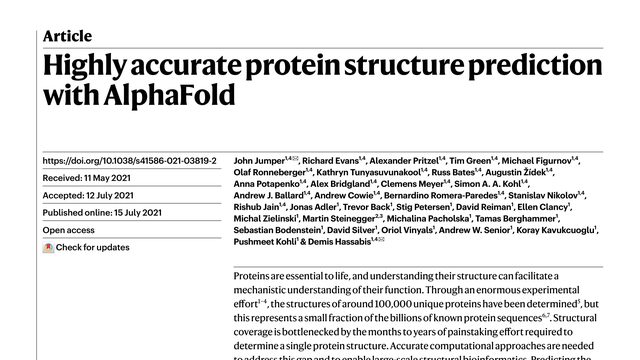
Watch the paper.
Don't just read it.
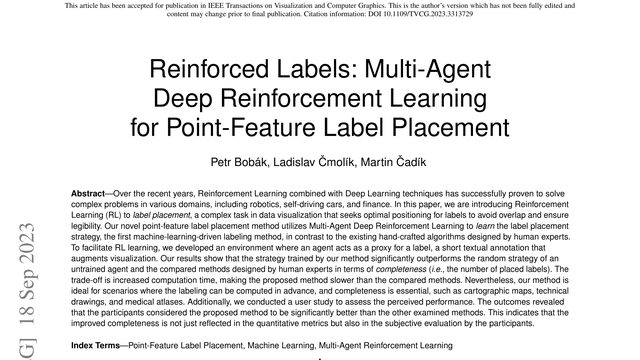
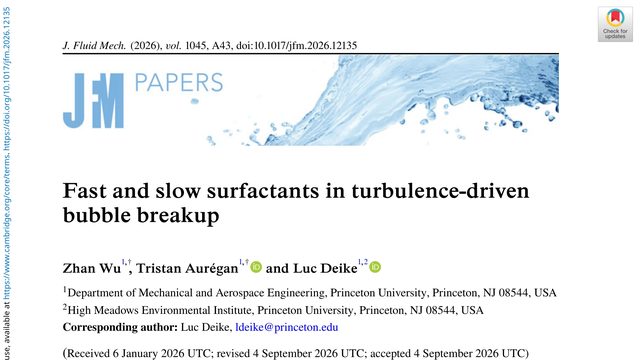
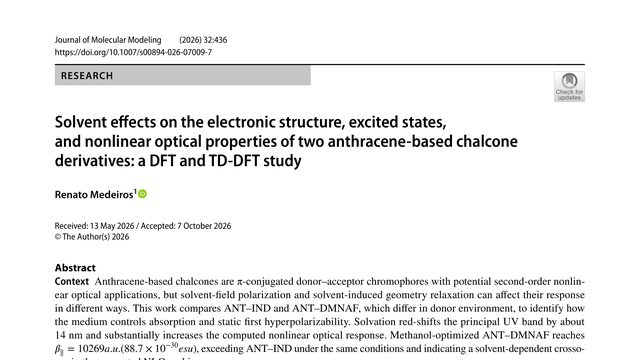
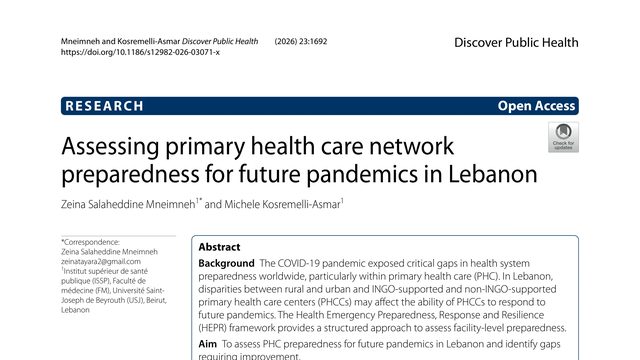
Drop in a research PDF. Paperi returns a narrated video walkthrough — the key ideas, figures, and results explained out loud and highlighted on the page as they're spoken.
One paper, three depths
The same idea, told three ways — pick the depth you read at:
“Self-attention replaces recurrence outright — every token attends to every other, collapsing the path between any two positions to a single step.”
A few faithful minutes instead of an hour of skimming — know whether a paper deserves the deep read.
Try Researcher depth →“Instead of reading word by word, the model compares every word with every other word at the same time — and that single idea is what the whole architecture is built around.”
Walk into the seminar actually getting the assigned paper — explained at your level, with the real figures on screen.
Try Student depth →“It takes in the whole sentence at one glance — the way you spot a face in a photo all at once, not pixel by pixel.”
Saw a study in the news? Watch it explained in everyday words — no jargon, no PhD required.
Try Curious depth →See it in action
How it works
Hand over a PDF. We check it and show what you'll get before anything runs.
A clear voice walks the paper end to end — no wall of text.
The page pans and zooms to each figure and line as it's spoken.
Questions, answered
How long does it take?
A few minutes for a typical paper. The page updates itself — keep it open, or bookmark it and come back.
Is my PDF private?
Yes. Your PDF is used only to make your walkthrough — never shared or shown to anyone else. On the free plan, your upload is deleted within 7 days; with Reader, it stays in your library until you remove it or close your account, and you can ask us to erase it anytime. Either way, walkthroughs are unlisted — only people you share the link with can watch.
What papers work best?
Text-based PDFs in English, up to 15 pages — most arXiv, conference, and journal papers. Scanned PDFs aren't supported yet.
How faithful is the narration?
It's grounded in the actual paper: the highlights point at the exact lines and figures being spoken about, so you can check every claim against the source while you watch.
What does it cost?
The free tier is 2 walkthroughs a month with a small watermark. Reader is $9/month for clean, unlimited (fair-use) walkthroughs and a priority queue. Wrote the paper yourself? Drafting a video abstract of your own paper in Author Studio is free — publishing it is a one-time $29.
Can I publish a video abstract of my own paper?
Yes — that's Author Studio. Draft it free, edit the narration and highlights until it says exactly what you'd say, then publish for a one-time $29: a share page and a 1080p MP4, no watermark, no subscription.
Got a paper?
Upload the PDF — watch it explained in a few minutes. Free to start.
Make a walkthrough →